
Bad lighting on a video call doesn’t just look unprofessional — it actively undermines the conversation. When your face is half in shadow or blown out by a ceiling fixture, people work harder to read your expressions. That costs you credibility whether you’re in a client pitch, a job interview, or a weekly team standup.
This list was built on three criteria: how flattering the light looks on camera, how practical each option is for a real home office, and whether the price is proportional to the result. Every pick here solves a real problem. Whether you’re working with $30 or $300, there’s a setup on this list that will make a visible difference from your very next call.
1. Ring Light: The Go-To for Quick, Consistent Results
Ring lights became popular with YouTubers and makeup artists because they produce even, shadow-free illumination that looks naturally flattering on camera. The circular design means light wraps around your face from multiple angles simultaneously, eliminating the harsh shadows that appear under your eyes and chin when you rely on a single directional source.
For video calls, a 10-inch to 14-inch ring light on a desk stand hits the sweet spot. Position it directly behind your monitor at eye level so the camera sits in the center of the ring. This alignment creates a natural “catch light” in your eyes — that small highlight that makes you look alert and engaged rather than tired.
Models like the Neewer RL-10 and the Lume Cube Panel Mini include a phone or laptop clip mount and offer three color temperature modes: warm (around 3000K), daylight (5500K), and a neutral middle option. Daylight mode works best for calls — it matches the cool tones of most screens and reads cleanly without making you look jaundiced.
One detail most people miss: mount the ring light at webcam height, not eye level. If the light sits lower, it creates an upward-facing shadow across your face — the same effect as holding a flashlight under your chin.
Best for: Home workers who want an immediate upgrade with minimal setup time. Price range: $25–$80 / £20–£60
2. Elgato Key Light: The Professional Panel That Streamers and Remote Workers Rely On
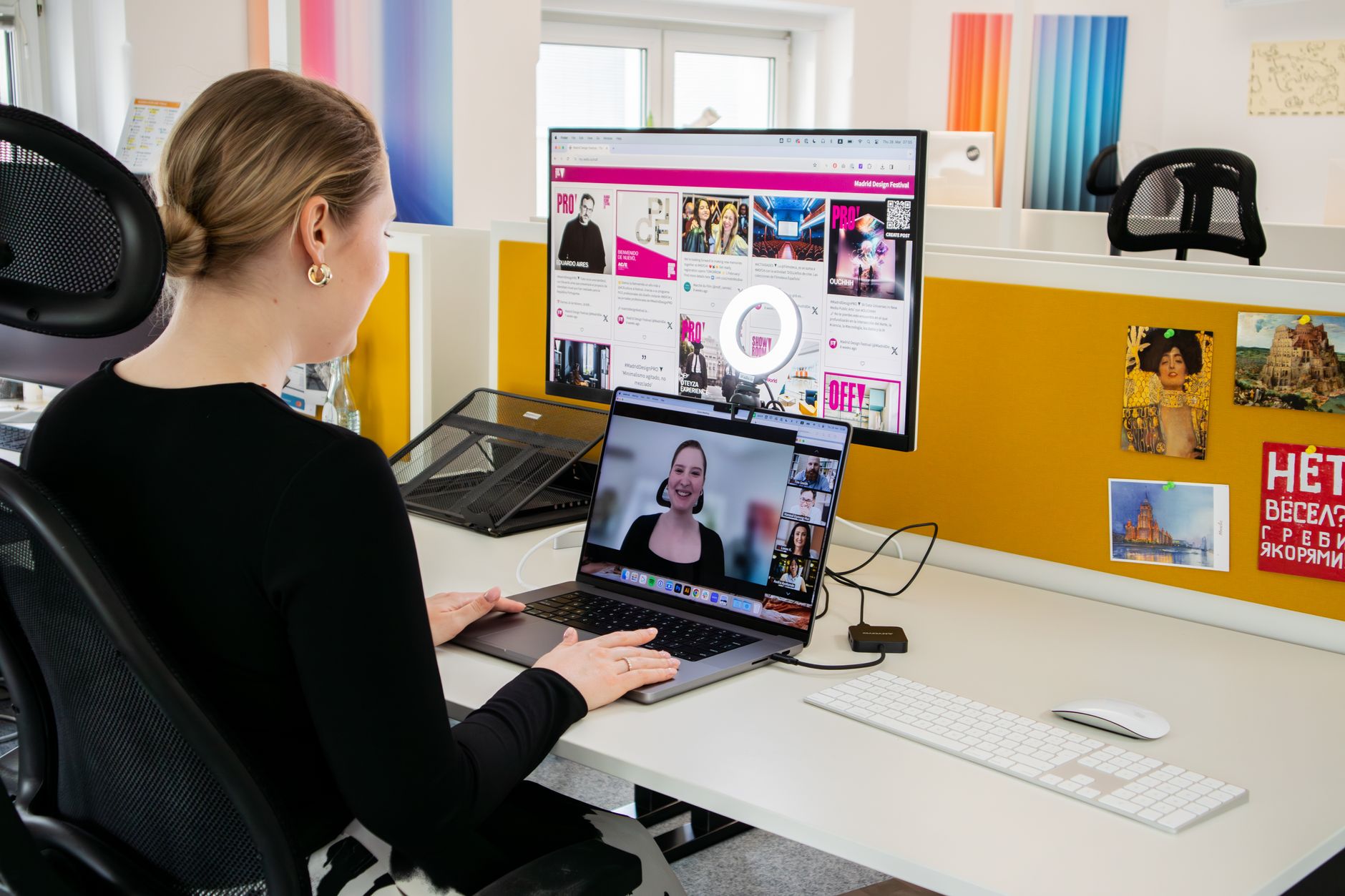 Foto: Walls.io
The Elgato Key Light is a flat LED panel that mounts on a desk arm or clips to your monitor, throwing a large, even wash of light directly onto your face. Unlike ring lights, there’s no circular reflection in your eyes — the panel is wide enough to feel soft and natural while still being directional. The difference shows up immediately on camera: you look “nicely lit” rather than “clearly in front of a prop.”
The Key Light Air (the more affordable variant) outputs 800 lumens, which is enough to overpower most room ambient lighting. Color temperature is adjustable from 2900K to 7000K through an app or physical buttons, so you can dial it in to match your surroundings. Once you find your settings, it holds them — no adjustment needed every morning.
The desk clamp version is especially practical for small spaces. It swings out of the way when you’re not on calls and requires no additional stands or floor space. Tech consultants, developers, and podcast hosts reach for it repeatedly for a simple reason: it works the same way every single day.
Best for: Professionals who want a clean, repeatable look without thinking about it. Price range: $80–$200 / £70–£160
Positioning a Key Light Correctly
Place the key light at a 45-degree angle from your face, slightly above eye level — the classic Rembrandt positioning used in portrait photography. One side of your face is fully lit while the other shows a gentle gradient, which reads as natural and three-dimensional on camera.
If you notice harsh shadows on the opposite side, add a white foam board as a reflector. You don’t need a second light fixture — bounced light from the wall or a simple reflector card often closes the gap. A $6 foam board from a stationery store does the same job as a $40 photography reflector.
3. LED Softbox Light: Studio-Quality Diffusion Without the Studio
Softboxes work by stretching a single light source across a large diffusion panel, which scatters the output and turns a harsh point source into something that mimics overcast daylight. The result is soft, wraparound illumination that reduces skin texture, minimizes shadows, and generally makes everyone look more rested than they are.
You don’t need a full photography-grade softbox for a desk setup. Compact LED softboxes — roughly 30x30cm to 45x45cm — sit on a small stand beside your desk without dominating the room. Brands like Neewer and Godox offer LED softboxes in the $40–$90 range that include a stand, a color temperature dial, and daylight-balanced output around 5500K.
The main trade-off is footprint. A softbox needs floor or desk space for its stand, which isn’t practical for very compact offices. But if you have 18 inches of clear space to one side of your desk, a softbox will outperform a ring light for sheer light quality — the diffusion panel produces more natural, three-dimensional illumination. A 45cm panel can push 3,000–4,500 lumens, which handles dark rooms that a ring light simply can’t rescue.
Best for: Remote workers who spend several hours a day on video calls and want the most flattering output possible. Price range: $40–$120 / £35–£95
4. Bi-Color LED Panel: Adaptable Light for Any Time of Day
 Foto: Ivan S
Fixed-color lights fight your environment at certain hours. A pure daylight panel at 5500K looks crisp at noon but cold and artificial during a late-afternoon call when warm sunlight is coming through the window. A bi-color LED panel solves this with a full range from warm tungsten (2700–3200K) to cool daylight (5600–6500K), letting you blend on the fly.
Panels like the Aputure MC, the GVM 80W, or the Nanlite PavoSlim series give you that flexibility in a thin, lightweight form. Controls are either physical knobs or a smartphone app depending on the model. The practical benefit: you match your light to the ambient color in your room, which makes the overall image look cohesive rather than “clearly lit by a single artificial source.”
Bi-color panels also work well for people who record video content beyond calls — tutorials, walkthroughs, short-form social content. Buying one now means you won’t need to upgrade when your use case shifts.
Best for: Remote workers who call at different times of day and want flexible, consistent control. Price range: $60–$180 / £50–£140
5. Natural Light Plus a Reflector: The Free Setup That Beats Most Gear
Natural daylight from a window is the best available light source for video calls. It’s soft, full-spectrum, and renders skin tones in a way no LED panel fully replicates. The problem is directionality — a window to your left means your right side falls into shadow. The fix costs almost nothing.
Face the window directly. Your desk should be oriented so you’re looking toward the glass, not with the window behind you (which washes you out) or to one side (which creates uneven shadows). On an overcast day, a north- or east-facing window gives you beautifully diffused light that looks like a professional setup at zero cost.
Add a white foam board — or a $10 collapsible photography reflector — on the opposite side of the window to bounce light back into the shadowed side of your face. This fills in the contrast and creates balanced, flattering results. The limitation is consistency: natural light changes with weather, season, and time of day, so you’ll likely need to supplement with artificial light on cloudy mornings or for late calls.
Best for: Anyone working near a window who wants to maximize what they already have before buying anything. Price range: $0–$15 / £0–$12
When Natural Light Isn’t Enough
Even with perfect window positioning, supplemental lighting becomes necessary in several situations:
- Calls after 4pm in winter when light drops quickly
- Overcast days where ambient light is low and flat
- Rooms with small windows that don’t provide enough output
- High-contrast situations where afternoon sun creates harsh glare
In these cases, pair the window with a budget ring light or LED panel set to a matching color temperature — around 5000–5500K on a cloudy day, or 4000–4500K in afternoon light. The goal is to close the gap between your face and background, not to overpower the window entirely.
6. Budget Under-$50 Setup: Real Results Without Splashing Out
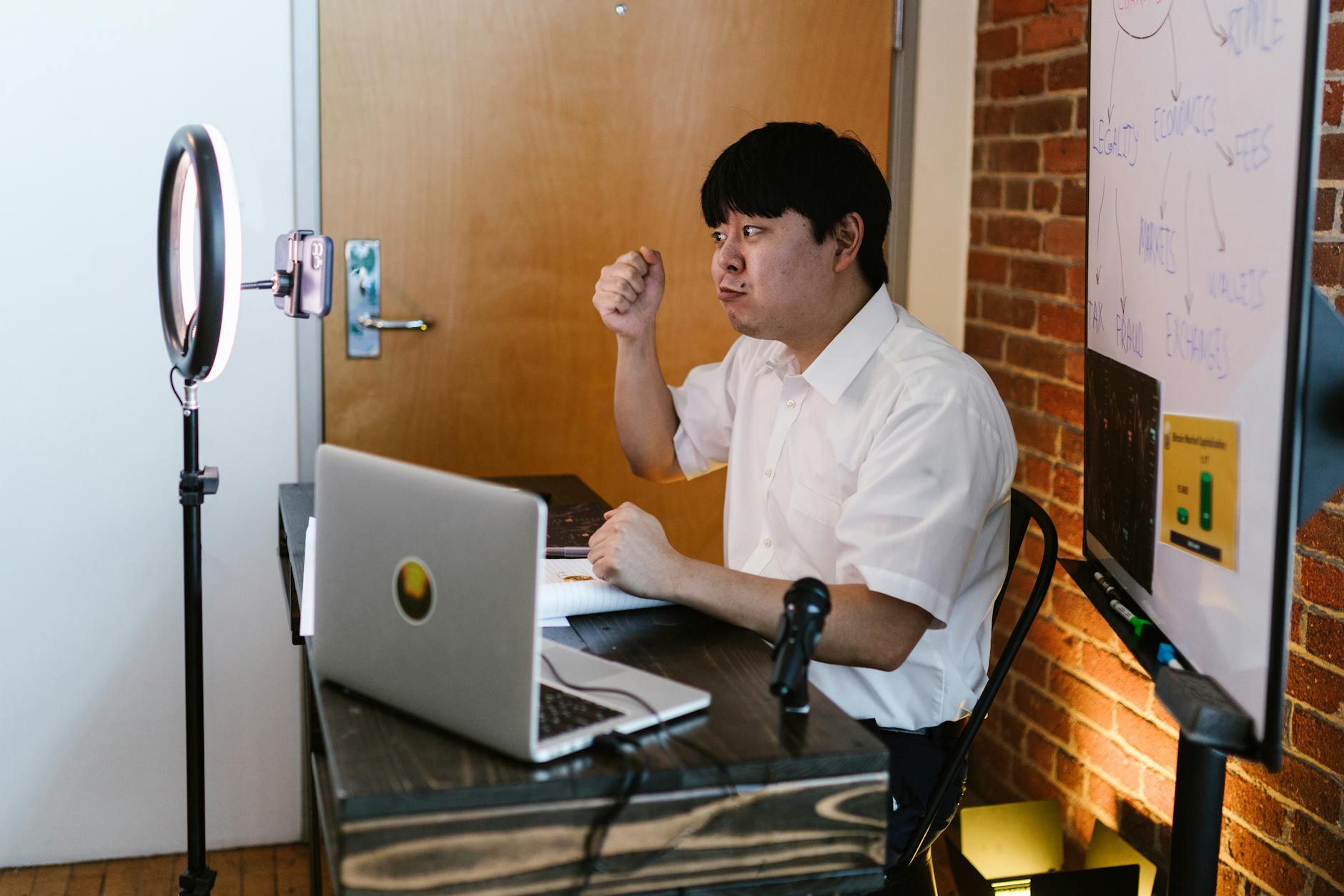 Foto: RDNE Stock project
The cheapest effective setup for video calls is a $20–$30 ring light clipped to your monitor plus smart window positioning. Together — one free, one inexpensive — these two things solve most lighting problems for most people. The ring light fills shadows, the window provides depth and background detail, and the result looks dramatically better than an overhead ceiling light.
If you’d rather skip the ring light entirely, a standard adjustable desk lamp with a daylight LED bulb (5000–6500K, at least 800 lumens) placed at 45 degrees on the non-window side of your face will do the job. A daylight bulb runs $5–$8 at any hardware store. Philips SceneSwitch and GE Reveal both produce clean daylight-balanced output in standard A19 formats for under $10. The lamp you may already own.
The gap between a $30 setup and a $200 setup is real but marginal for most use cases. The jump from nothing to $30 is where the meaningful difference lives. Start here, prove the concept, then upgrade if your call volume justifies it.
Best for: Anyone who wants an immediate improvement before committing to more expensive gear. Price range: $0–$50 / £0–£40
Quick Comparison: Video Call Lighting Options
| Option | Price (USD) | Light Quality | Setup Time | Best For |
|---|---|---|---|---|
| Ring Light | $25–$80 | Good | 5 min | Quick calls, small desks |
| Elgato Key Light | $80–$200 | Excellent | 10 min | Daily professional calls |
| LED Softbox | $40–$120 | Excellent | 15 min | Long call days, content creation |
| Bi-Color LED Panel | $60–$180 | Excellent | 10 min | Variable schedules, video creators |
| Natural Light + Reflector | $0–$15 | Outstanding* | 2 min | Window-facing desks |
| Budget Lamp + Bulb | $0–$50 | Good | 5 min | Part-time remote workers |
Check Current Prices on Amazon: Ring Light → | Elgato Key Light → | LED Softbox → | Bi-Color LED Panel → | Natural Light + Reflector → | Budget Lamp + Bulb →
*when natural light is available and consistent
The Setup That Actually Works for Your Situation
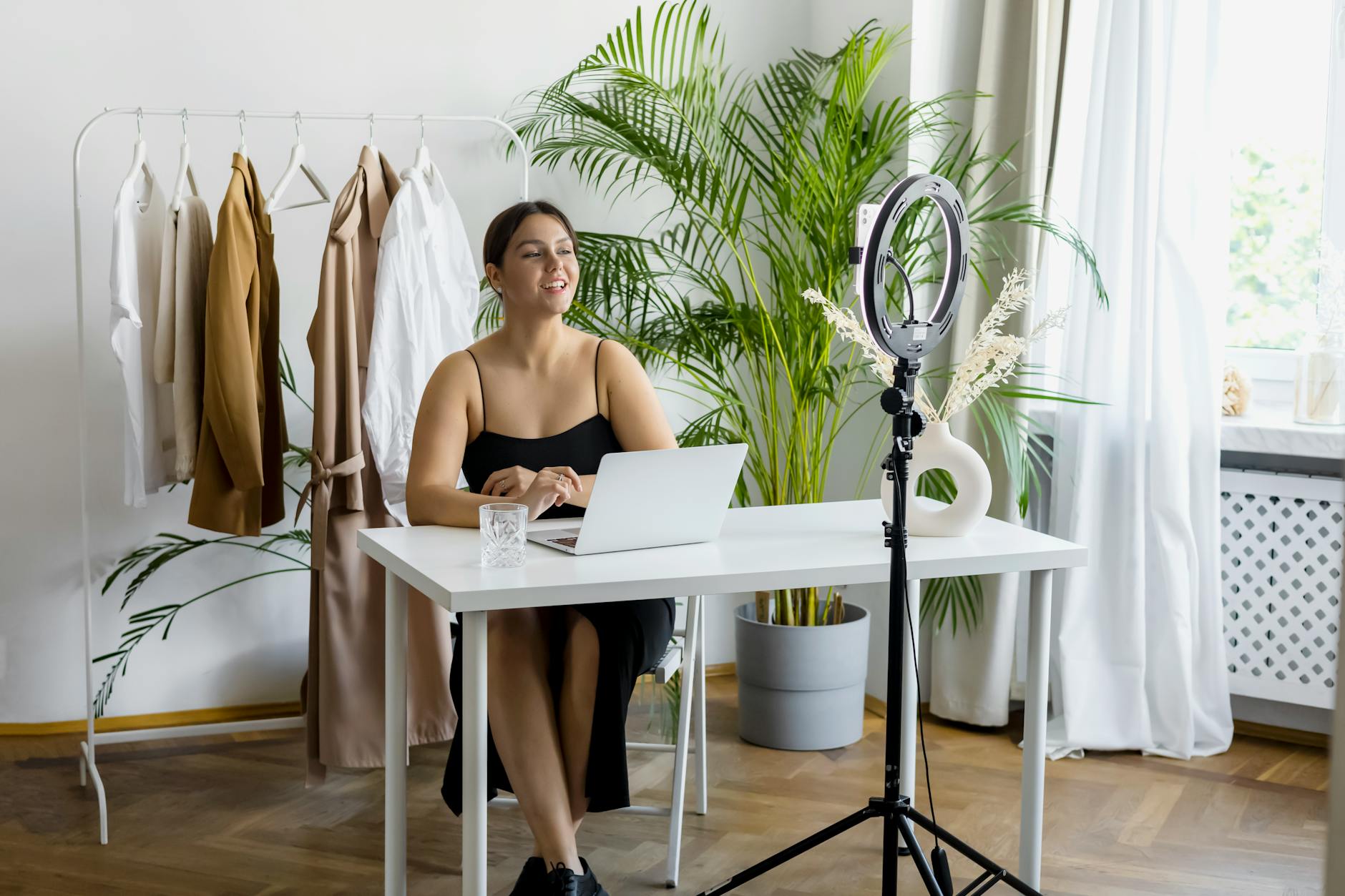 Foto: Hanna Pad
The best lighting for video calls at home is the one you’ll actually use consistently. For most people, that means a ring light or a key light panel — both are quick to configure, reliable across lighting conditions, and remove the daily variable of whether you’re sitting near enough to a window.
If you’re on multiple client-facing calls each week, a key light panel or softbox is worth the extra $50–$80 over a ring light. The quality difference is visible and it compounds over hundreds of calls. If you’re only on a few calls a week, start with the window-plus-reflector setup and a budget ring light — you’ll look significantly better without spending more than $30.
Whatever you pick: stop calling from a backlit position first. Move your desk, face the light, and the upgrade practically happens on its own. Once you’ve done that, use this list to find the right tool that takes you the rest of the way.
Frequently Asked Questions
Why do ring lights work better for video calls than regular lamps?
Ring lights produce even, shadow-free illumination that wraps around your face from multiple angles, creating a natural catch light in your eyes and eliminating harsh shadows under the chin and eyes that make you look tired or unprofessional.
What size ring light should I buy for my home office?
A 10-inch to 14-inch ring light on a desk stand is ideal for video calls. Position it directly behind your monitor at eye level so the camera sits in the center of the ring for the most flattering angle.
What color temperature is best for video calls?
Daylight mode (5500K) works best for video calls because it matches the cool tones of most screens and reads cleanly on camera without making you look jaundiced or overly warm.


