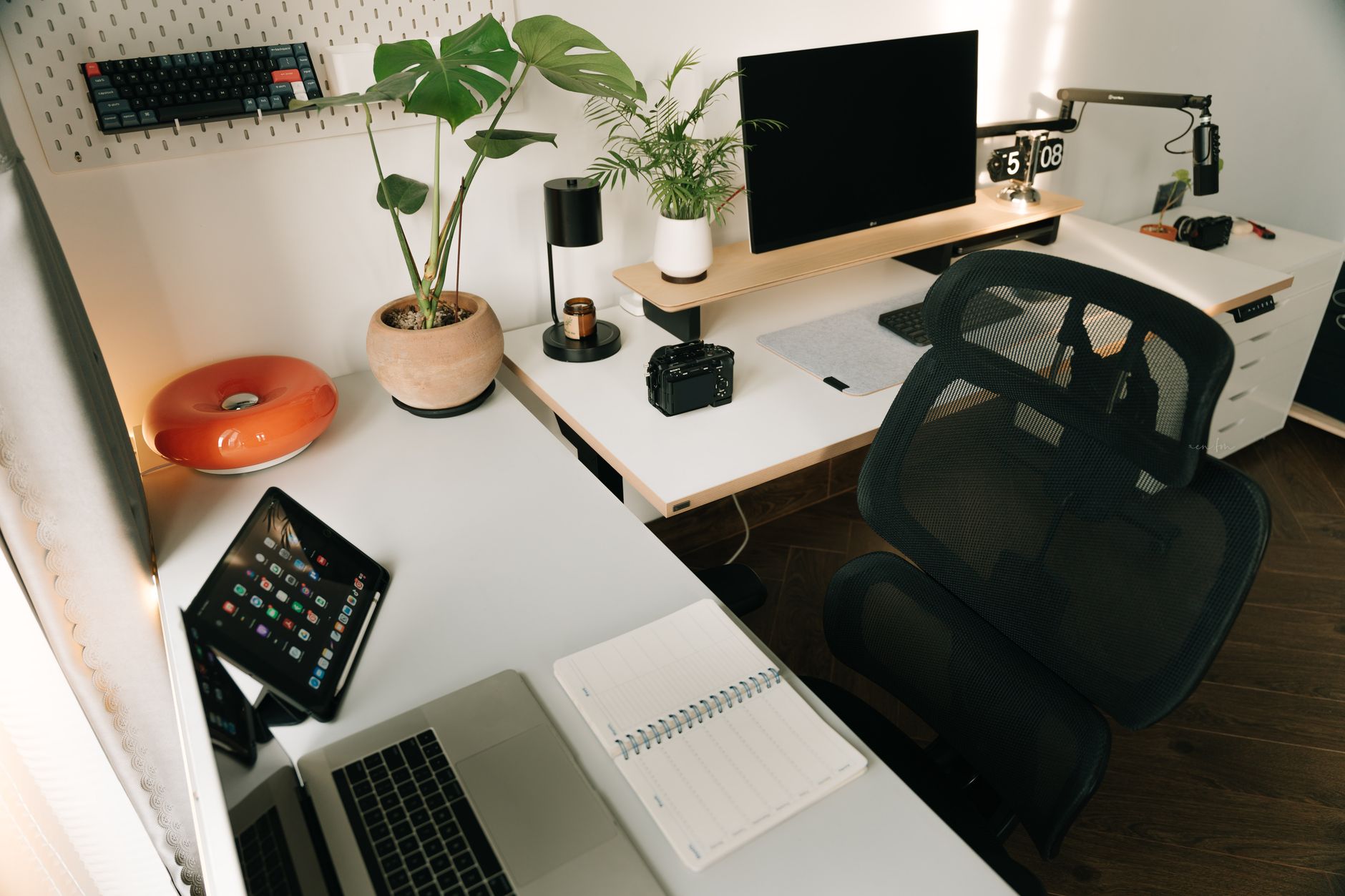
Your home office isn’t exactly spacious. Maybe you’re working from a spare bedroom, a corner of the living room, or a converted closet that technically qualifies as an “office” if you squint. You want to stop hunching over a laptop all day, but every standing desk you’ve looked at seems designed for a corporate floor with room to spare.
Here’s the good news: you don’t need a lot of floor space to get a proper sit-stand setup. A compact standing desk can fit in tight spots, keep your posture in check, and make a small room feel more intentional — not more cluttered.
This guide walks you through exactly what to look for and gives you five proven picks that won’t swallow your square footage.
Why a Standing Desk Is Worth It Even in a Small Space
Before we get into the picks, let’s be honest about the tradeoff you’re weighing: you’re giving up a little workspace surface area in exchange for a motorized or hand-cranked desk that adjusts height. That’s it.
The case for standing desks is straightforward: switching between sitting and standing every 45–60 minutes reduces lower back strain, prevents the post-lunch energy dip that most desk workers hit around 2–3 pm, and keeps your concentration sharper through the back half of the day. You’ll notice the difference within two weeks.
For remote workers especially, the sedentary grind is real. You’re not walking to meetings, grabbing coffee three floors down, or even commuting. A standing desk is one of the simplest ergonomic investments you can make from home.
And in a small office? The footprint of a 48"x24" standing desk isn’t dramatically different from the cheap flat-pack desk you might already have.
What to Look for Before You Buy
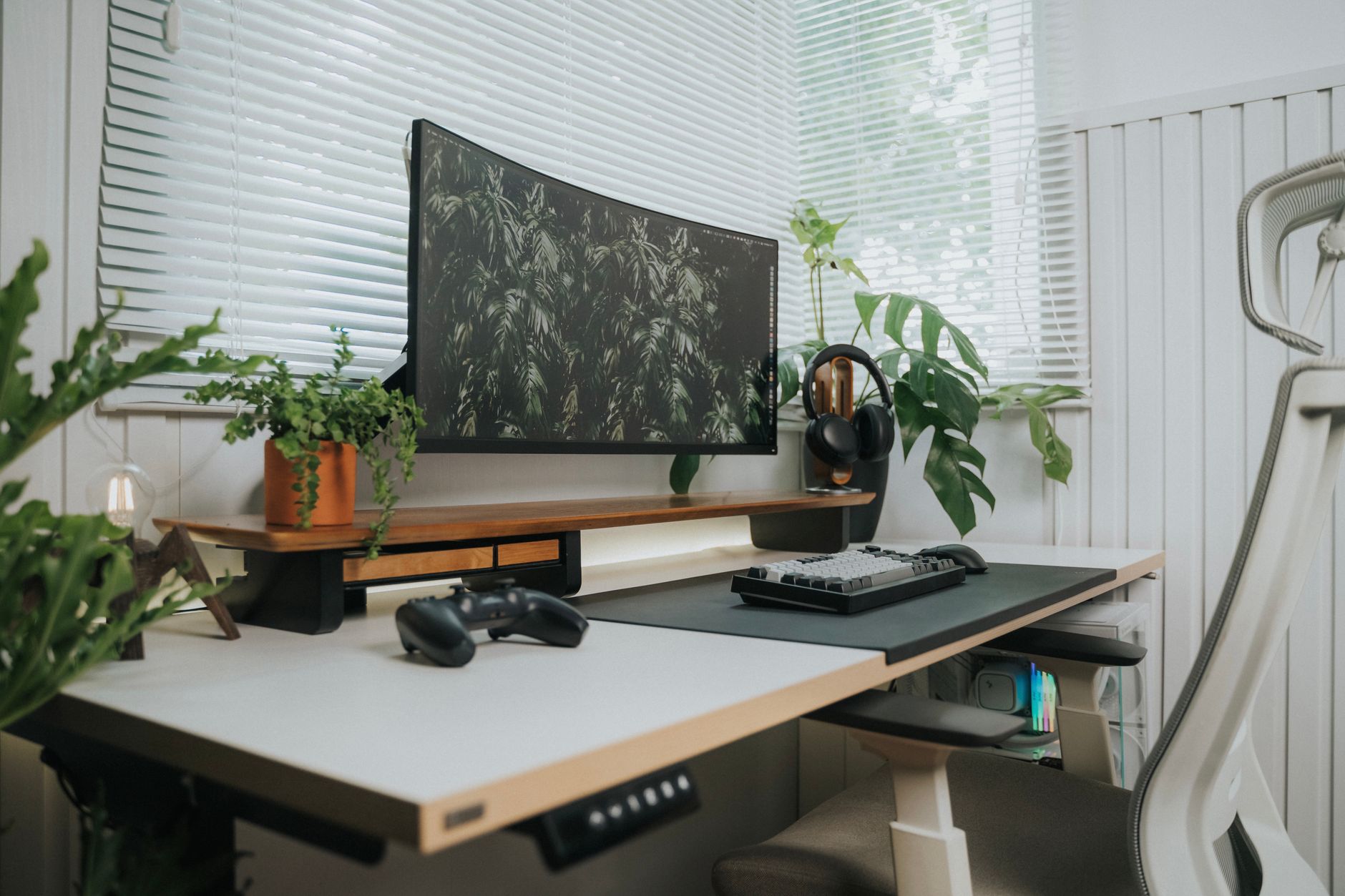 Foto: Minh Phuc
Not all standing desks are built for compact spaces. Here’s what actually matters when you’re shopping with limited room.
Desk Dimensions and Footprint
The two numbers you care most about are width and depth. For small offices, look for desks in the 40"–48" width range and 24" depth. That gives you enough real estate for a monitor, keyboard, and a few essentials without sticking out from the wall like a shelf in a warehouse.
Watch out for:
- Crossbars under the frame that limit how close you can get to the desk
- Bases wider than the tabletop (they’ll eat up more floor space than the surface suggests)
- Heavy steel frames that are difficult to move once positioned
Height Range and Stability
A good sit-stand desk should reach low enough for seated work (around 25"–28" for most people) and high enough for standing (up to 45"–50" for taller users). Check the manufacturer’s specs against your own height before buying.
Stability matters more on compact desks because narrower frames can wobble at full height. Look for:
- Dual-motor systems on electric desks — they’re more stable than single-motor
- Telescoping legs with minimal play
- Anti-collision sensors (important if you’ve got shelves or monitors nearby)
Budget and Build Quality
You don’t need to spend $1,000 on a standing desk for a home office. The sweet spot for reliable quality is roughly $300–$600 for an electric desk, or $150–$250 for a manual hand-crank option. Under that, you’re usually sacrificing frame stability or motor longevity.
The 5 Best Standing Desks for Small Home Offices
These five desks cover the range from ultra-compact to slightly larger — each picked specifically for tight footprints, honest build quality, and pricing that makes sense for a home office rather than a corporate procurement budget.
| Desk | Size | Height Range | Type | Price (approx.) | Best For |
|---|---|---|---|---|---|
| FlexiSpot E2 | 48"x24" | 28"–47.6" | Electric | ~$300 | Budget-conscious buyers |
| Vari Electric 48x24 | 48"x24" | 25.5"–50.5" | Electric | ~$595 | Premium feel, easy setup |
| Autonomous SmartDesk Core | 53"x29" | 29.4"–48" | Electric | ~$299 | Value + warranty |
| FEZIBO 40" Standing Desk | 40"x24" | 27.9"–45.3" | Electric | ~$219 | Ultra-compact rooms |
| SHW 55" Electric Desk | 55"x28" | 28.5"–45.5" | Electric | ~$259 | Slightly larger rooms |
1. FlexiSpot E2 — The Reliable All-Rounder
The FlexiSpot E2 consistently tops independent standing desk roundups in the sub-$350 category, and the reasons aren’t mysterious: it’s solid, assembles without drama, and handles daily use without mechanical surprises.
It uses a single-motor system with a steel frame, and while that does introduce a bit of wobble at maximum height, it’s barely noticeable at typical standing heights for most people under 6’. The control panel is straightforward — four memory presets, so you can click once to jump between your sitting and standing heights.
What you’ll like:
- Genuinely easy 30-minute assembly
- Quiet motor
- Sits compact against a wall without the base protruding
- Fits two monitors comfortably at 48" wide
What to watch:
- Single-motor means slightly less lateral stability than dual-motor options
- The default desktop surface is serviceable but not premium; upgrading to a bamboo top is a popular mod
If you’re new to standing desks and don’t want to overspend on your first one, this is a smart starting point.
2. Vari Electric Standing Desk 48x24 — Best Premium Compact
Vari has been supplying commercial offices since 2013, and that institutional build standard carries directly into their home office lineup. The 48x24 electric model uses a three-stage, dual-motor frame — the configuration that separates desks that stay solid at full height from ones that sway when you type.
The 25.5" minimum height is one of the lowest on this list, which matters if you’re shorter or if you use a thick cushioned mat while sitting.
What you’ll like:
- Snap-together legs with no tools required (genuinely 5-minute setup)
- Best-in-class stability at standing height
- Sleek design that doesn’t look out of place in a visible home office
- Excellent height range for tall users (up to 50.5")
What to watch:
- Higher price point than most options here
- Surface options are limited compared to competitors
If you’re setting up a longer-term, serious home office and want something that feels premium every day, Vari is worth the extra spend.
3. Autonomous SmartDesk Core — Best Value for Warranty
Autonomous undercuts the competition on price while offering a 5-year warranty on the frame and motor — which is unusually generous at this price level. The SmartDesk Core handles up to 265 lbs, which gives you room for dual monitors, a docking station, and other gear.
At 53" wide, it’s slightly larger than the other options here, so measure your wall space first. But if you have even a modest corner or alcove, it fits well.
What you’ll like:
- Excellent warranty for the price
- High weight capacity
- Smooth, quiet motor
- Clean minimalist desktop surface
What to watch:
- Assembly takes about 45–60 minutes — more than most
- The 29.4" minimum sitting height may feel high for shorter users
For freelancers and remote workers who want maximum reliability on a tight budget, this is a strong contender.
4. FEZIBO 40" Electric Desk — For the Truly Tiny Office
If your space is genuinely constrained — a narrow alcove, a small bedroom corner, or a rental with limited floor room — the FEZIBO 40" is worth your attention. At 40 inches wide, it has one of the smallest footprints in the powered standing desk category.
The price is low, but the construction is honest. FEZIBO uses a steel frame with anti-collision detection, and it comes with a cable management bar built in — a practical detail that keeps a small desk tidy without buying accessories.
What you’ll like:
- Smallest footprint on this list
- Built-in cable tray keeps wires organized
- Anti-collision protection
- Very affordable entry price
What to watch:
- 40" limits you to a single monitor or laptop plus small monitor
- Lighter-duty frame than the other options — not ideal for very heavy setups
If you primarily work from a laptop or use a single external monitor, the FEZIBO 40" gives you the sit-stand function without eating your room.
5. SHW Electric Height Adjustable Desk — The Budget Stretch Option
The SHW desk sits at 55" wide, which puts it at the upper edge of “compact” — but it earns its place here for users who need more workspace without blowing the budget. It’s one of the most affordable electric desks available and holds up reliably to standard home office loads.
The frame and motor are adequate for a typical home office setup. You won’t get the premium stability of Vari, but you’ll have more surface space than the 40–48" options.
What you’ll like:
- Most affordable electric option with adequate build quality
- Wider surface for multi-monitor or creative setups
- Simple control panel with memory presets
- Stable enough for everyday use
What to watch:
- Single-motor system, so some wobble at max height
- Assembly instructions could be clearer
- Surface finish shows scratches more easily than others
A good call if you’re stretching your budget and need a bit of elbow room.
How to Set Up Your Standing Desk the Right Way
 Foto: Standsome Worklifestyle
Buying the desk is step one. Setting it up for long-term healthy use is step two — and a lot of people skip this part.
Step 1: Set your sitting height correctly. Sit in your chair and relax your arms at your sides. Adjust the desk so your forearms are parallel to the floor when your hands rest on the keyboard. Your elbows should be at roughly 90 degrees.
Step 2: Set your standing height the same way. Stand naturally, no leaning. Same rule: forearms parallel, elbows at 90 degrees. Save this as a memory preset on your controller.
Step 3: Position your monitor. The top of your screen should be at or just below eye level, whether you’re sitting or standing. An adjustable monitor arm lets you dial this in without having to stack books or boxes.
Step 4: Get an anti-fatigue mat. Standing on a hard floor for long stretches is uncomfortable. A quality anti-fatigue mat (about 20"x32") makes a real difference and costs $40–$80.
Step 5: Start with short standing intervals. Begin with 20–30 minutes of standing per hour and build up from there. A simple timer on your phone works. You don’t need special software.
Making a Small Standing Desk Setup Actually Work
A compact desk needs a compact mindset. Here’s how to keep your setup lean and functional:
- Use a monitor arm instead of a stand. It frees up desk surface and lets you easily reposition your screen for sitting and standing.
- Route cables through the desk’s built-in management system (or add a cable tray for ~$15). Tangled cables on a small desk look messy fast.
- Go vertical where possible. A wall-mounted shelf above the desk keeps notebooks, headphones, and extras off the work surface.
- Keep only what’s in use on the desk. A small desk forces good habits — nothing should live on your desk that you don’t use daily.
- Consider a foldable secondary surface. A small wall-mounted fold-down shelf or a rolling cart can serve as overflow space when you need it, without permanently occupying floor real estate.
Your Next Step
 Foto: Standsome Worklifestyle
You don’t need a bigger office — you need the right desk. Any of the five picks above will fit comfortably into a small home workspace and give you the health and focus benefits of sit-stand work without turning your room into an obstacle course.
Start with your space measurement (width first, then depth), set your budget, and match it against the table above. If you’re new to standing desks and cautious about spending, the FlexiSpot E2 is a safe, well-proven entry point. If you want to invest in something you’ll use for years without second-guessing, the Vari Electric 48x24 is worth the premium.
Pick one, set it up properly using the steps above, and give it two weeks. Your back — and your afternoon energy levels — will tell you it was worth it.
Frequently Asked Questions
Why is a standing desk worth buying for a small home office?
Standing desks reduce lower back strain, prevent afternoon energy dips, and keep concentration sharp. They fit in small spaces without dramatically increasing your footprint compared to a regular desk.
What dimensions should I look for when buying a standing desk for a small space?
Look for desks in the 40"-48" width range with appropriate depth that fits your room without consuming all available workspace. Width and depth are the two most important measurements for compact spaces.
How often should I switch between sitting and standing during my workday?
Experts recommend alternating between sitting and standing every 45–60 minutes to reduce strain, prevent energy dips, and maintain sharper concentration throughout the day.


