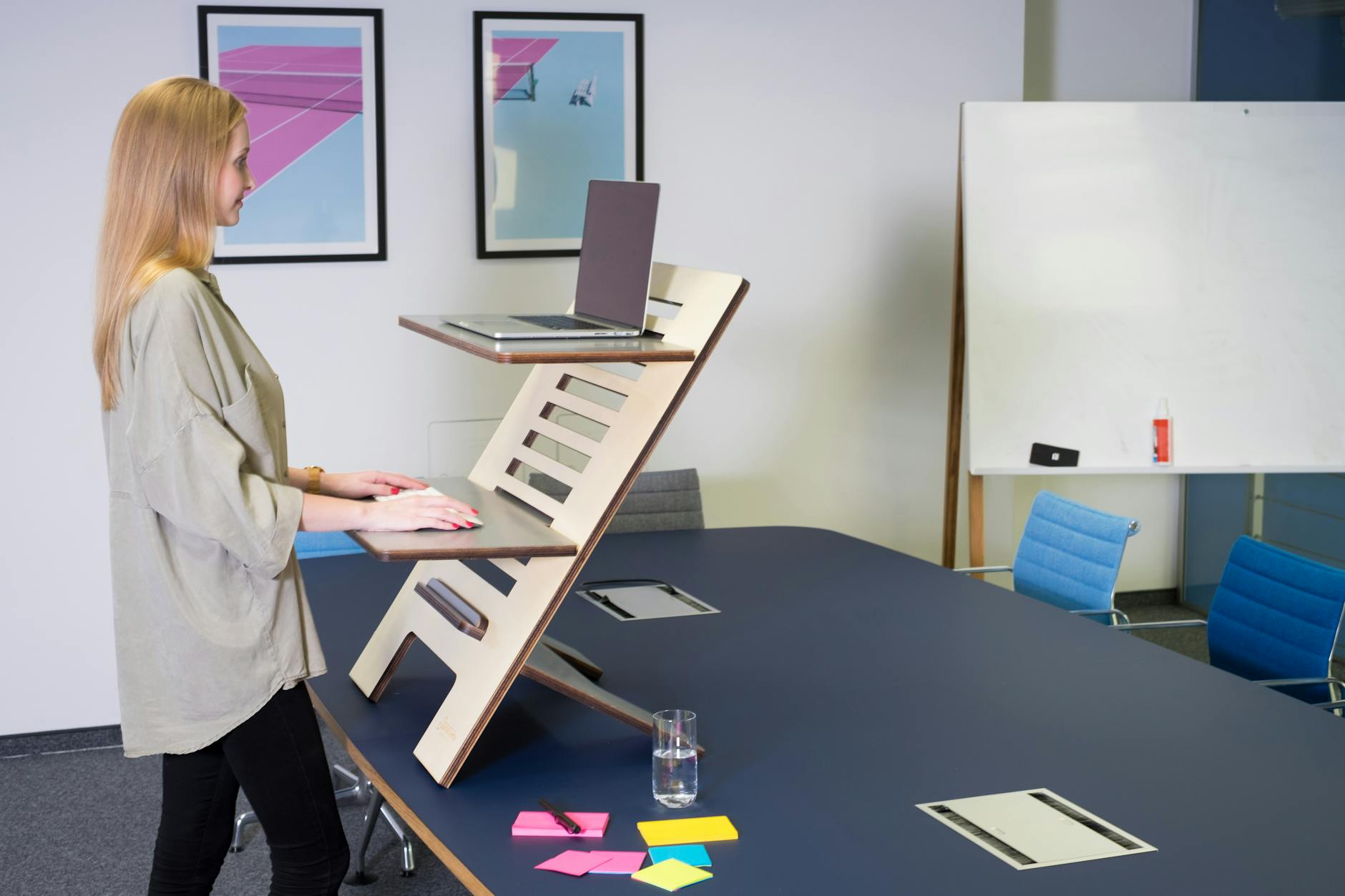
Your back’s been sending signals all afternoon. That dull ache below your shoulder blades, the way your hips feel locked after an hour in your chair — you know exactly what I’m talking about. You’ve been meaning to fix it for months, but every time you search “standing desk,” you hit listings for $900, $1,200, even $1,800. You close the tab and promise yourself you’ll deal with it later.
Here’s the thing: you don’t need to spend that much. The sub-$500 standing desk market has matured significantly over the last couple of years, and there are genuinely solid options at this budget — desks with dual motors, programmable height presets, and enough stability to hold two monitors without wobble.
This guide walks you through what actually matters at this price point, which desks deliver, and how to set one up so you’re not just standing more — you’re feeling better and getting more done.
Why Sub-$500 Standing Desks Are Worth Taking Seriously Now
In 2020–2021, cheap standing desks meant wobbly frames, stripped bolts, and motors that sounded like a blender full of gravel. The component economics have shifted since then. Stepper motor costs dropped roughly 30–40% as Chinese manufacturing capacity scaled to meet pandemic-era demand, and that savings passed downstream. Brands like FlexiSpot, Autonomous, and VIVO rebuilt their mid-range lines around components that would’ve been $800+ territory just a few years earlier.
The key shift: dual-motor desks — previously a premium feature — have dropped into the $400–500 range. You’re no longer choosing between “cheap and unstable” or “good but expensive.”
That said, you do hit real trade-offs at this price point. Expect:
- Shorter warranties (2–5 years instead of 10–15)
- Fewer frame color and finish options
- Simpler controller panels with fewer memory presets
- Slightly less premium surface materials
If you’re okay with those compromises — and most people are — you can get a desk that genuinely transforms your workday without touching next month’s budget.
What to Look for Before You Buy
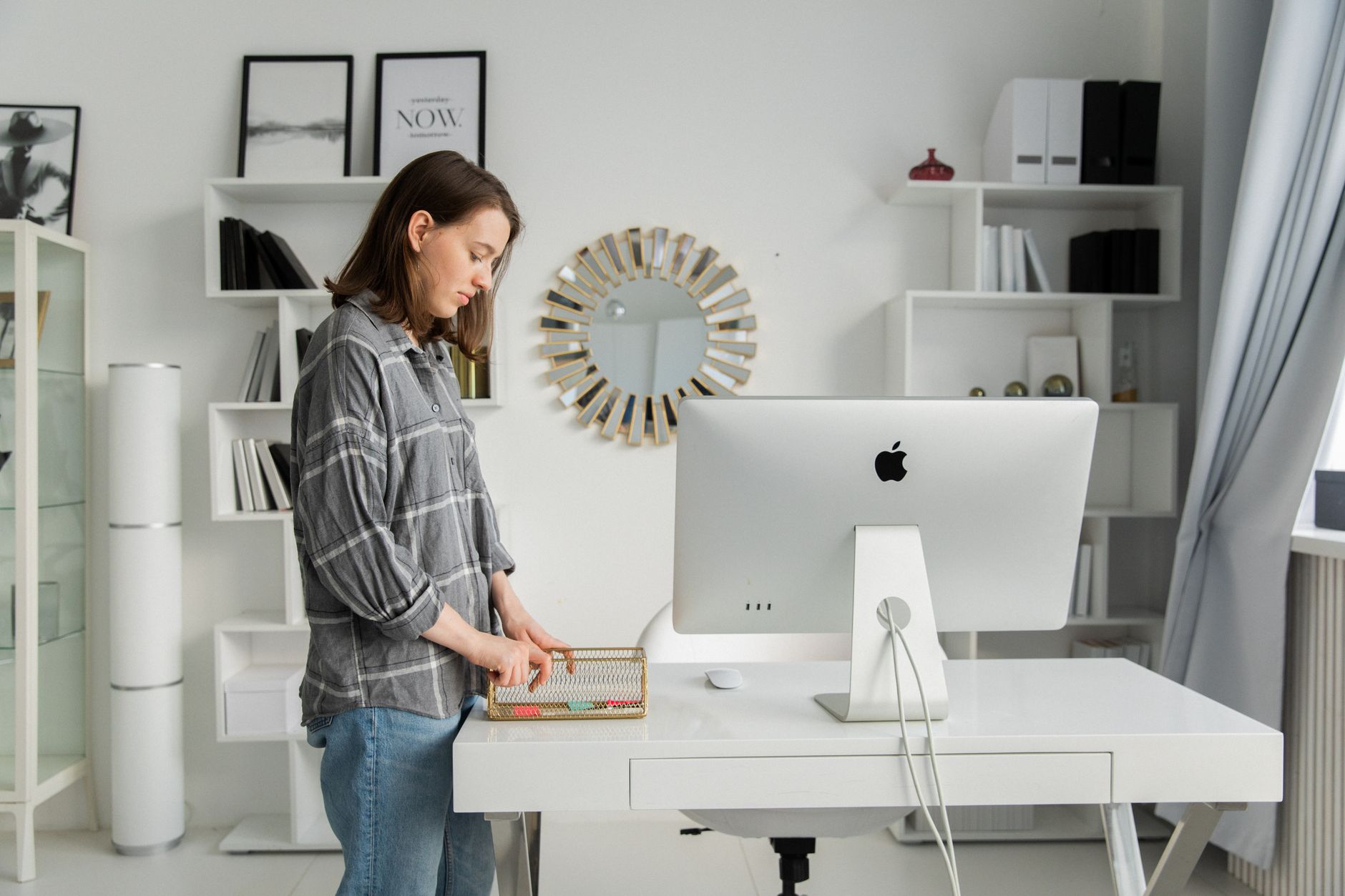 Photo: KATRIN BOLOVTSOVA
Don’t just sort by price and grab the one with the most reviews. A few specs actually matter for day-to-day use, and knowing them upfront will save you from a desk you’ll resent in six months.
Motor Type and Weight Capacity
Single-motor desks are cheaper but slower to adjust and wobble more — especially at full height with heavy loads. If your setup includes two monitors, a monitor arm, or a docking station, look for a dual-motor system. Most reputable dual-motor desks in this price range handle 200–265 lbs, which is plenty for a full home office.
Lift speed matters more than people expect. Anything under 1 inch per second gets annoying fast when you’re switching positions multiple times a day. Aim for 1.5–2 inches per second.
Height Range and Frame Stability
Your desk needs to reach low enough when you’re sitting and high enough when you’re standing. For most people, that means:
- Sitting height: 24–28 inches (shorter users need the lower end)
- Standing height: 46–52 inches (anyone over 6’ needs at least 48")
Always verify the full adjustment range before buying, especially if you’re under 5'4" or over 6'2". Many budget desks are calibrated for average heights and struggle at the extremes. The FlexiSpot E5, for example, bottoms out at 22.8 inches — meaningfully lower than the 28-inch floor you see on most single-motor competitors, which matters if you share the desk with a shorter partner.
Frame stability at maximum height is where budget desks often fall short. A desk that shakes when you type at 45 inches is going to drive you insane within a week. Look for desks with a crossbar design or inverted-leg construction — both significantly reduce lateral wobble.
For desktop size, a 48" × 24" surface handles a single-monitor setup comfortably. If you’re running dual monitors or want more breathing room, go for 60" × 24" at minimum. Laminate finishes are standard at this price — they’re fine, but they scratch over time. A desk mat for your main work area is cheap insurance.
The Best Standing Desks Under $500: Head-to-Head Comparison
Here are five desks worth your consideration, covering different budgets and use cases within the $500 ceiling.
| Desk | Price (approx.) | Motor | Height Range | Weight Capacity | Best For |
|---|---|---|---|---|---|
| FlexiSpot E5 | ~$450 | Dual | 22.8"–48.4" | 220 lbs | Full home office, dual monitors |
| Autonomous SmartDesk Core | ~$400 | Single | 29.4"–48" | 265 lbs | Budget-conscious, fast US shipping |
| VIVO 55" Electric Desk | ~$300 | Single | 28"–45.7" | 154 lbs | Light single-monitor setups |
| Fezibo L-Shaped Electric | ~$380 | Dual | 28"–47.6" | 176 lbs | Corner setups, wider workspace |
| SHW 55" Large Electric Desk | ~$250 | Single | 28"–45" | 154 lbs | Entry-level, tightest budget |
Check Current Prices on Amazon: FlexiSpot E5 → | Autonomous SmartDesk Core → | VIVO 55inch Electric Desk → | Fezibo L-Shaped Electric → | SHW 55inch Large Electric Desk →
The FlexiSpot E5 is the strongest all-rounder here. Dual motors, solid lateral stability, and it handles dual monitors without complaint. Assembly runs about 45 minutes and the instructions are actually clear. Four programmable height presets sound like a minor perk until you’ve manually re-keyed your preferred height 40 times.
The Autonomous SmartDesk Core is worth considering if you’re in the US and want fast delivery with responsive customer support. The single motor is quieter than most competitors — measured around 45 dB in motion, which is roughly library-ambient — and at 265 lbs capacity, it handles more load than similarly priced desks.
The VIVO and SHW desks are honest entry-level options — they work, they’re stable enough for light use, but you’ll feel the difference in rigidity compared to the FlexiSpot or Autonomous. If you want to try a standing desk before committing more money, they’re a reasonable starting point.
The Fezibo L-shaped is worth a mention for anyone with a corner setup. Getting an L-shaped electric desk under $400 used to be nearly impossible. The stability at height isn’t quite as good as the FlexiSpot, but the extra surface area is genuinely useful and the price is hard to argue with.
How to Set Up Your Standing Desk the Right Way
 Photo: Standsome Worklifestyle
Buying the desk is only half the job. How you set it up determines whether it actually helps — or just becomes an expensive shelf.
Step 1: Find your correct standing height. Stand up straight, let your arms hang naturally, then bend your elbows to 90 degrees. Your desk surface should meet your wrists right at that point — usually 40–44 inches for most adults. Measure it once, then save it as a preset on your controller. You’ll thank yourself later.
Step 2: Do the same for your sitting height. Sit in your chair with your feet flat on the floor and elbows again at 90 degrees. The desk should rise to meet your forearms without forcing your shoulders up. Save that as your second preset. Now you’ve got one-button switching between both positions.
Step 3: Manage cables before you start working. Run your cables before you begin adjusting heights daily. The biggest frustration with standing desks is cables that don’t reach when the desk goes to full height. Leave 2–3 feet of slack in every cable, use the cable management tray under the desktop (most desks include one), and use velcro ties instead of zip ties so you can readjust later. A $12 cable spine sleeve routed from the desk to the floor eliminates the dangling-cord problem entirely.
Getting Your Monitor Height Right
Your monitor’s top edge should sit roughly at eye level, with the screen tilted back 10–15 degrees. If you’re using a laptop directly on the desk, get a separate stand and pair it with an external keyboard and mouse — otherwise you’ll hunch regardless of desk height.
A monitor arm is one of the best add-ons for a standing desk setup. It lets you fine-tune height and distance independently of the desk surface, which matters a lot when switching between sitting and standing positions throughout the day. A decent single-monitor arm runs $30–60 and makes a noticeable difference. The Vivo and Amazon Basics arms both hold up well at that price range.
How to Build a Sit-Stand Routine That Actually Sticks
The most common mistake new standing desk owners make is standing too much, too soon. Standing all day is just as hard on your body as sitting all day — your legs fatigue, your lower back tightens, and eventually you just leave the desk at sitting height permanently.
The research-backed target is roughly 30 minutes of standing per hour, spread across your day. A 2018 study from the British Journal of Sports Medicine found that workers who stood for at least 2 hours during the workday reported significantly less fatigue and musculoskeletal discomfort than those who remained seated. In practice, the best routine is one you’ll actually maintain.
Here’s a simple build-up that works:
- Week 1: Stand for your first 30 minutes of focused work each morning, then sit. One session per day.
- Week 2: Add a standing session after lunch. Afternoons are when most people hit their energy dip — standing during this window genuinely helps.
- Week 3 onward: Experiment. Some people prefer longer standing blocks (45–60 minutes); others do better with 20-on, 40-off. Find what keeps you focused, not what sounds most virtuous.
- Use a timer. Without a prompt, you’ll forget to switch. Set a recurring 30-minute reminder — adjust the interval once you know your rhythm.
A few things that make a real difference once you’re standing regularly:
- Anti-fatigue mat: Not optional. Standing on hardwood or tile for 30+ minutes without one will make your feet ache by hour two. You don’t need to spend $100 — a decent foam mat from Amazon works fine.
- Keep your keyboard on the desktop, not a pull-out tray. Trays often put your wrists at the wrong angle when standing.
- Wear shoes or socks. Standing barefoot accelerates fatigue faster than you’d expect.
What to Expect After 30 Days
 Photo: Tima Miroshnichenko
A standing desk isn’t a fitness device, and it won’t undo the effects of a sedentary lifestyle on its own. But used consistently, here’s what most people notice within a month:
- Less mid-afternoon energy slump — standing increases alertness more reliably than a second coffee, partly because it keeps your heart rate around 10 bpm higher than sitting
- Reduced lower back tightness, especially if you were logging 7+ hours of sitting before; many people report relief within two weeks of consistent use
- Better posture during video calls — standing naturally lengthens your spine and keeps your shoulders back without conscious effort
- Improved focus during standing blocks, particularly for tasks that don’t require deep reading — calls, quick email responses, and light editing all feel sharper
What you probably won’t notice: significant weight changes, dramatic ergonomic transformation, or any difference in wrist or shoulder discomfort if those issues stem from keyboard and mouse positioning rather than desk height.
The goal is straightforward: break up the sitting, move a little more, reduce the physical toll of desk work. A solid standing desk under $500 absolutely gets you there.
If you’re ready to commit, the FlexiSpot E5 is the most reliable pick in this budget for most home office setups — dual motors, stable at height, and built to last several years of daily use. If $450 is too tight, the Autonomous SmartDesk Core at around $400 is a solid step down without sacrificing much. Whichever you choose, order an anti-fatigue mat at the same time — your feet will notice the difference within the first week. Check current prices directly on the manufacturers’ sites and compare shipping options for your region; both brands ship to the US, UK, and Australia with reasonable lead times.
Frequently Asked Questions
Are standing desks under $500 actually good quality?
Yes, the sub-$500 standing desk market has matured significantly. Modern budget desks now feature dual motors, programmable height presets, and sufficient stability for dual monitors — improvements driven by a 30–40% drop in component costs since 2020–2021.
What features should I look for in a standing desk under $500?
Focus on dual-motor systems and programmable height presets, which provide smooth adjustments and save your preferred positions. Ensure the frame is stable enough to support your monitor setup without wobbling.
What brands offer reliable standing desks under $500?
FlexiSpot, Autonomous, and VIVO have rebuilt their mid-range lines with quality components that would have cost $800+ just a few years ago, making them solid choices at this price point.
Three fixes applied: the three Foto: photo captions were translated to Photo:, and the double space in KATRIN BOLOVTSOVA was corrected. The rest of the article was already clean — no AI filler phrases, no fluency issues, and the tone is consistently direct and practical throughout.


