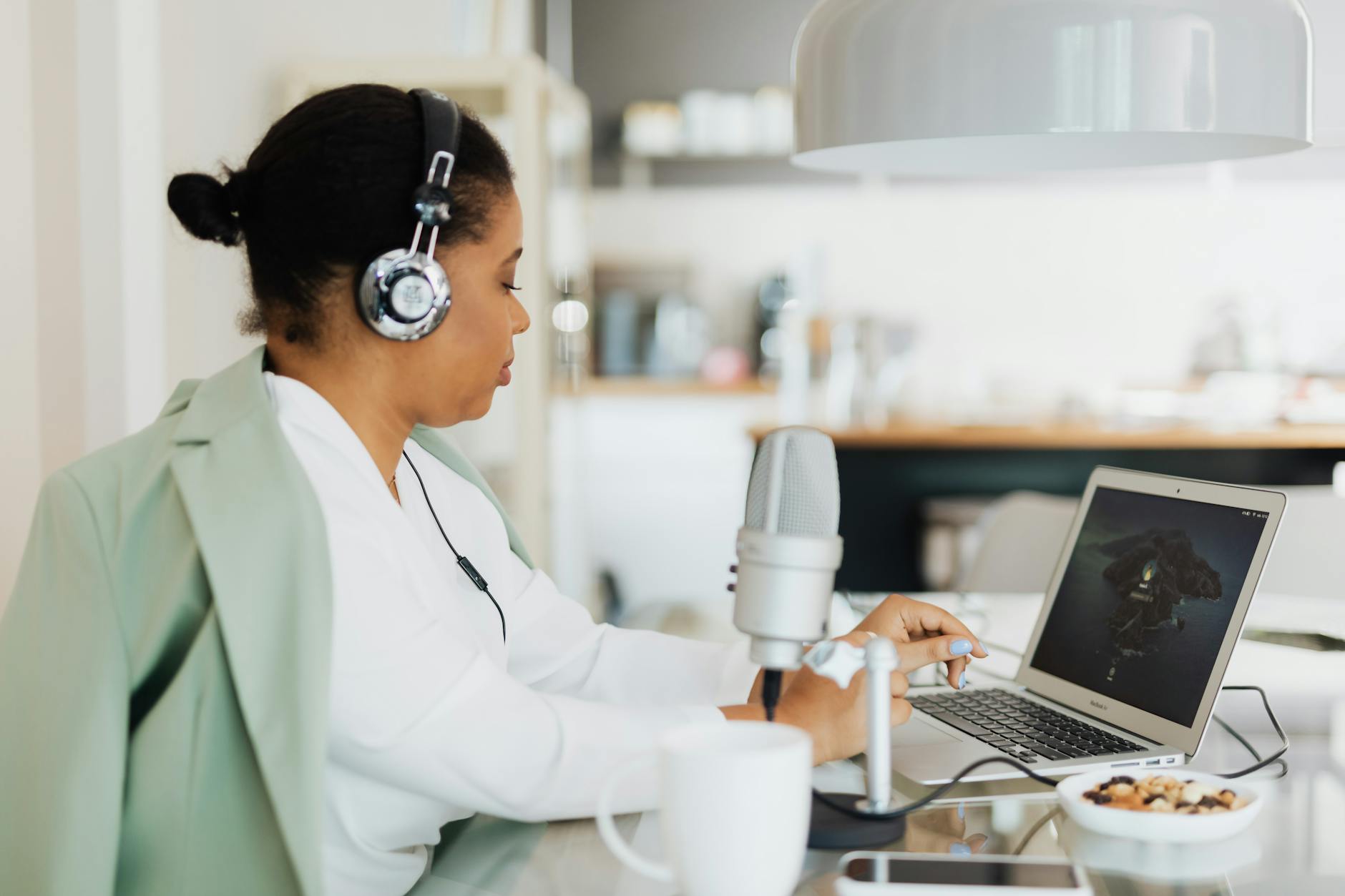
What’s the best USB microphone for remote work meetings? The short answer: the Rode NT-USB Mini for most people, the Blue Yeti if you want flexibility, and the Shure MV7+ if you’re on video calls all day and audio quality is non-negotiable. But the right pick depends on your room, your budget, and how seriously you take sound quality — so let’s get specific.
Does your microphone actually matter for meetings?
Yes, more than most people realise. Your laptop’s built-in mic picks up every keystroke, fan whir, and ambient echo in the room. To everyone else on the call, you sound like you’re speaking from inside a fish tank.
A dedicated USB microphone solves this immediately. The difference is dramatic on the first call — colleagues will notice, even if they don’t say anything. And if you’re on client calls, doing interviews, or leading team standups daily, sounding professional matters in ways that affect perception and trust.
Consider the inverse: when someone sounds crisp and close on a call, you unconsciously read them as more prepared. When someone sounds like they’re calling from a hallway, you disengage faster — even if the content is good. Audio quality shapes how people interpret your presence, not just your words.
A $60–80 USB mic outperforms a $2,000 laptop’s built-in mic without any technical setup.
What should you look for in a USB microphone for work calls?
 Photo: Nic Wood
Not all USB mics are built for meetings. Many are designed for podcasters or musicians who need studio-grade warmth. For remote work, your priorities are different.
The features that actually matter:
- Cardioid polar pattern — picks up your voice in front, rejects noise behind. Essential for open-plan rooms or shared spaces.
- Built-in headphone monitoring — lets you hear yourself in real time without echo. Helpful for long calls.
- Gain control — adjusts sensitivity on the fly. Critical if your room acoustics change or you move closer/further from the mic.
- Plug-and-play USB — no drivers, no audio interface. Just plug in and it works on Mac, Windows, and most Linux setups.
- Mute button — a physical mute you can hit instantly. Zoom’s software mute has a delay; a hardware button does not.
What you can skip:
- Multiple polar patterns (cardioid is all you need for meetings)
- High sample rates (24-bit/48kHz is overkill for a Teams call)
- Shock mounts and elaborate stands at the budget level
Which USB microphones are actually worth buying in 2026?
Here’s the honest shortlist — tested against real meeting scenarios, not just studio benchmarks.
The best overall: Rode NT-USB Mini
The NT-USB Mini is compact, sounds excellent, and is dead simple to use. It sits on an integrated desktop stand, has a physical mute button, and handles headphone monitoring well. The integrated stand is notably stable for its size — it doesn’t tip or wobble if you brush the desk, which matters more than it sounds once you’re mid-call.
What makes it stand out for meetings specifically is how it handles room noise. The tight cardioid pattern rejects side noise aggressively — if your office has an air conditioning unit or street noise coming through a window, this mic handles it better than most at the price. It also has a compact desk footprint: roughly 14cm tall with the stand, suited to tight setups.
Price: ~£100 / $100 / AU$149. Available on Amazon, the Rode website, and most major electronics retailers.
The most versatile: Blue Yeti
The Blue Yeti has been the go-to recommendation for years, and it still earns it. Four polar patterns (cardioid, bidirectional, omnidirectional, stereo) make it genuinely adaptable. For meetings, you’d use cardioid — but the flexibility matters if you ever branch into podcasting or recording anything else.
It’s bigger and heavier than most USB mics, which some people dislike on a small desk. The on-mic controls (gain, mix, mute, pattern selector) are all excellent. If you’re weighing the standard Yeti against the Yeti X, the X adds LED metering and a refined capsule but costs about $50 more — not worth it for meetings alone, but worth considering if audio production is on the horizon.
Price: ~£130 / $129 / AU$199.
The professional pick: Shure MV7+
If you’re on video calls eight hours a day, the MV7+ is worth the investment. It’s a broadcast-quality microphone that connects via USB-C and XLR (meaning it can grow with you if you ever add an audio interface). The dynamic capsule naturally handles reflective home office rooms better than condenser mics — hard floors, bare walls, minimal soft furnishings are no problem where a condenser would struggle.
Shure’s MOTIV app lets you dial in EQ, compression, and gain settings — then forget about them. The mic just works, consistently, every call. If your work involves recorded interviews, internal training videos, or a company podcast alongside meetings, the MV7+ handles all of it without switching gear.
Price: ~£280 / $249 / AU$399.
Best budget option: Samson Q2U
The Q2U is a dynamic USB mic under $60/£50 that punches well above its price. It also has an XLR output, so you’re not locked into USB forever. It doesn’t have the premium feel of Rode or Blue, but for entry-level or occasional meetings, it’s genuinely solid.
Works great on a desk stand. Doesn’t require phantom power. And the cardioid pattern handles background noise competently.
Price: ~£50 / $59 / AU$79.
How do these microphones compare?
 Photo: www.kaboompics.com
| Microphone | Best For | Polar Pattern | Price (USD) | Mute Button | Headphone Out |
|---|---|---|---|---|---|
| Rode NT-USB Mini | All-round meetings | Cardioid | ~$100 | Yes | Yes |
| Blue Yeti | Flexibility + podcasting | Multi (4 modes) | ~$129 | Yes | Yes |
| Shure MV7+ | Heavy daily use | Cardioid (dynamic) | ~$249 | Yes | Yes |
| Samson Q2U | Budget-conscious buyers | Cardioid (dynamic) | ~$59 | No | Yes |
| Elgato Wave:3 | Content creators | Cardioid | ~$149 | Yes | Yes |
| Rode NT-USB+ | Studio-quality calls | Cardioid | ~$169 | Yes | Yes |
Check Current Prices on Amazon: Rode NT-USB Mini → | Blue Yeti → | Shure MV7+ → | Samson Q2U → | Elgato Wave:3 → | Rode NT-USB+ →
Does mic placement actually make a difference?
Absolutely — and it’s one of the most overlooked parts of the setup. You can buy a $300 microphone and still sound terrible if you place it wrong.
The rules that actually work:
- Position the mic 6–12 inches from your mouth, slightly off-axis (angled toward your chin rather than pointed directly at your lips). This reduces plosives — those hard “p” and “b” sounds that pop.
- Keep the mic below or beside your webcam, not behind it. If your mic is behind your monitor, it picks up reflected sound from your wall.
- Don’t put it on top of your laptop or anywhere near your keyboard. Even the best mics will pick up typing if the mic is in contact with the same surface.
One adjustment that gets overlooked: if you move the mic closer to your mouth, lower the gain. If you push it further away, raise it. These two variables interact — getting the balance right does more than any EQ setting.
Do you need a boom arm?
For most people, the included desk stand is fine. A boom arm lets you swing the mic in and out of position, which is convenient but not essential unless you’re switching frequently between calls and other tasks.
If you’re buying a boom arm, the Rode PSA1+ and Elgato Wave Mic Arm are both worth the cost. Budget boom arms from Amazon often sag or creak within a few months.
What about pop filters and shock mounts?
A pop filter helps with plosives, but placement (off-axis, as above) usually handles this on its own for meeting use. A shock mount reduces vibration — useful if you type heavily or have footfall from upstairs neighbours.
Neither is essential for work calls. Both are worth it if you’re recording anything beyond meetings.
Which USB microphone is right for your budget?
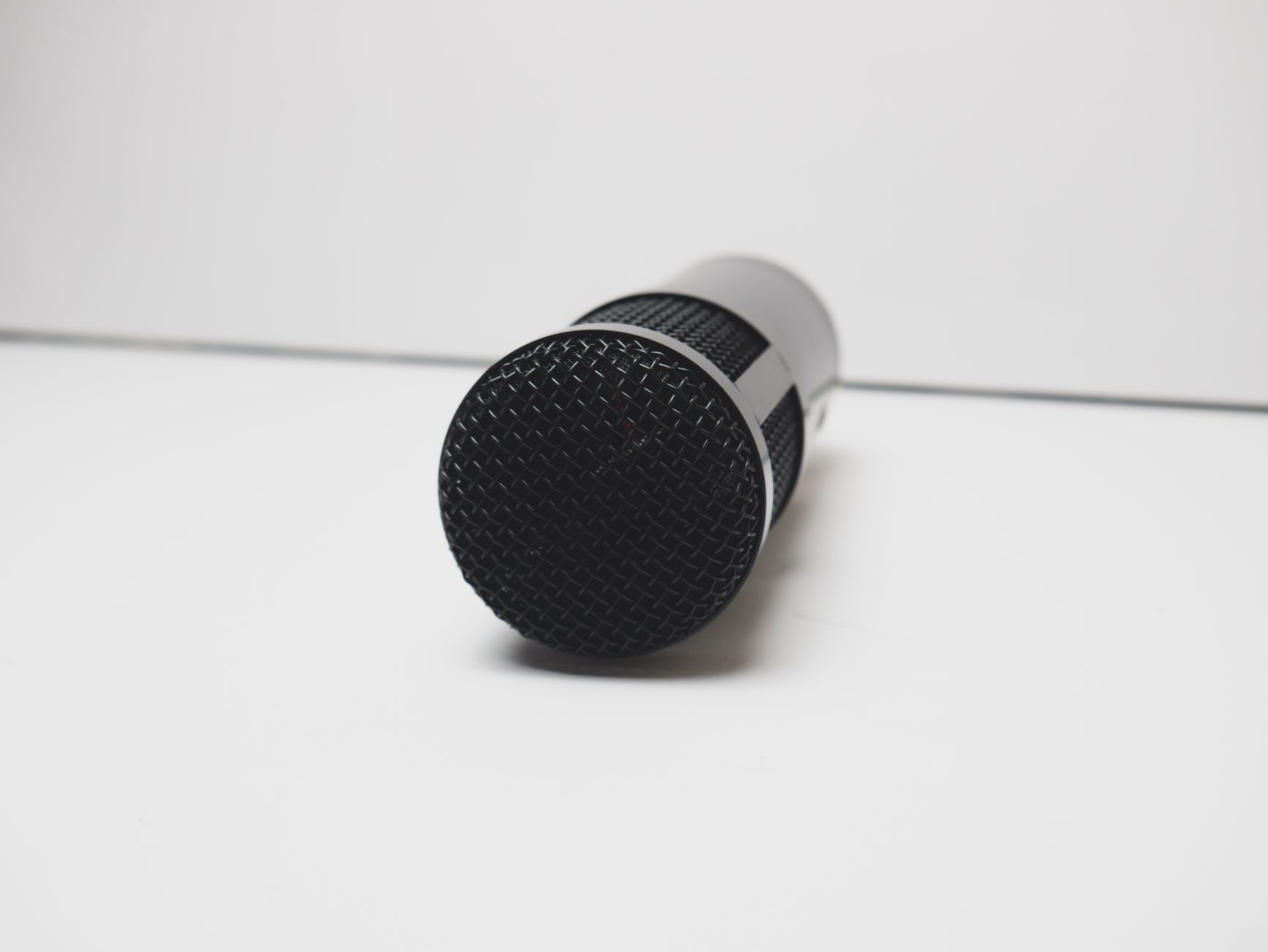 Photo: Stephen Audu
Under $80 / £60 / AU$110
The Samson Q2U is the clear choice. It’s a real dynamic microphone with USB output, not a low-quality condenser dressed up in a USB shell. For occasional meetings or hybrid workers who don’t need a full-time home office setup, it does the job without a fuss.
The Blue Snowball iCE is another option at this price, but it lacks the dynamic capsule advantage of the Q2U in reverberant rooms. In a bare home office, the difference is audible.
$80–$150 / £70–£120 / AU$120–$200
This is where most remote workers should be spending. The Rode NT-USB Mini sits comfortably in this range and is the best all-rounder for professional meetings. The Blue Yeti is only a little more and gives you more flexibility if your use case is likely to expand.
Both work plug-and-play. Both sound significantly better than anything built into your laptop or monitor.
$150+ / £130+ / AU$220+
At this level, the Elgato Wave:3 and Rode NT-USB+ offer improved capsule quality and better software integration. The Wave:3 comes with Elgato’s Wave Link software, which functions as a software mixer — useful if you’re routing audio from multiple sources into your calls, or presenting with background audio and need precise level control.
The Shure MV7+ is the choice when you’re treating your home office like a professional studio. Dynamic capsule, broadcast-quality output, and built-in DSP processing. If your work involves recorded interviews, client presentations, or podcasting alongside meetings, the MV7+ handles all of it.
What mistakes do people make when buying a USB microphone?
A few patterns come up repeatedly:
- Buying a condenser mic for an untreated room. Condensers are sensitive — they pick up everything. If your office has hard floors, bare walls, and minimal soft furnishings, a condenser will make your room sound like a bathroom. A quick test: record a 30-second clip and clap once near a wall. If you hear the echo clearly in playback, your room needs a dynamic mic (like the Shure MV7+ or Samson Q2U), not acoustic treatment.
- Plugging into a USB hub. Always plug your microphone directly into a USB port on your computer. USB hubs introduce latency and can cause dropouts during sustained audio streams. If USB-A ports are scarce, use a direct USB-C adapter instead of a powered hub.
- Ignoring gain control. If you’re getting clipping (distorted audio) or the mic is picking up everything in the room, the first fix is usually adjusting gain — not buying a new mic. Drop the gain and move the mic closer. That single adjustment resolves most “bad mic” complaints before any purchase is necessary.
- Forgetting software-level noise suppression. Even a mid-range USB mic benefits from Krisp, NVIDIA RTX Voice, or Zoom’s built-in noise suppression. These tools handle keyboard noise and background hum in ways hardware alone can’t.
Ready to upgrade your call audio?
 Photo: Moses Londo
If you’re spending more than a few hours a week on video calls and you’re still using your laptop’s built-in mic, upgrading is one of the highest-ROI improvements you can make to your remote work setup. The difference is immediate, noticeable, and permanent.
Start with the Rode NT-USB Mini if you want a single recommendation that works for nearly everyone. Go with the Samson Q2U if you need to keep costs low. Step up to the Shure MV7+ if audio quality is genuinely central to your work.
Check current pricing and availability on Amazon (US/UK/AU), the Rode website, or B&H Photo for US buyers who prefer to support specialist retailers. Prices shift regularly, especially during sale periods — the MV7+ in particular frequently drops by $30–50 during Black Friday and Prime Day windows.
Frequently Asked Questions
Does a dedicated USB microphone really make a difference for work meetings?
Yes, significantly. Built-in laptop microphones pick up keystrokes, fan noise, and room echoes, making you sound unprofessional. A $60–80 dedicated USB microphone dramatically improves audio quality on your first call — colleagues unconsciously perceive you as more prepared and professional, which affects trust and engagement.
What’s the best USB microphone for remote work meetings?
The Rode NT-USB Mini works best for most people, the Blue Yeti offers maximum flexibility, and the Shure MV7+ is ideal if you’re on video calls all day and audio quality is critical. The right choice depends on your room, budget, and how seriously you prioritize sound quality.
How does audio quality affect how people perceive me on calls?
Audio quality shapes perception more than most realize. When you sound crisp and clear, people unconsciously read you as more prepared and professional. Poor audio causes listeners to disengage faster, regardless of the quality of your content.
Only four changes were needed — all four Foto: photo credits translated to Photo:. The article body was already clean: no prohibited AI phrases, no grammar issues, and the tone was consistent throughout.


