
The single biggest reason you look washed out, shadowy, or just plain bad on video calls is lighting — and the fix is almost always simpler than people expect. You don’t need a film crew or a thousand-dollar setup. You need light in the right place, at the right intensity, and pointed in the right direction.
Here’s what actually works, broken down into the questions people ask most.
Why Does My Face Look So Dark on Video Calls?
Your camera is doing what cameras do: exposing for the brightest part of the frame. If that’s the window behind you, your face becomes a silhouette. If it’s a harsh overhead light, you get raccoon shadows under your eyes.
Most home office lighting was never designed with cameras in mind. Ceiling fixtures throw light downward, windows create backlight problems, and laptop webcams have tiny sensors that struggle in anything less than ideal conditions.
The fix is simple in principle: you need more light hitting your face from the front than from anywhere else. That’s the entire game.
What’s the Best Lighting Position for Video Calls?
 Foto: George Milton
Front-facing light is non-negotiable. Your main light source should sit between you and your camera — ideally slightly above eye level and angled down at about 45 degrees. This mimics how professional headshots are lit and is flattering for almost every face shape.
Think of your setup in three zones:
- Key light — your main source, positioned in front and slightly to one side
- Fill light — a softer source on the opposite side to reduce harsh shadows
- Background — subtle lighting behind you to add depth and prevent a flat, cave-like look
You don’t need all three from day one. A single well-placed key light is a massive upgrade over most home setups.
Natural Light — Friend or Foe?
Natural light from a window is the best light source available — free, soft, and flattering. But only if you’re facing it. Sit facing a window, and you’ll look great on camera with zero extra equipment.
The problem is windows change. Morning light becomes harsh midday glare. Clouds roll in. By 3pm your perfectly lit Zoom background is a blown-out mess.
Sheer curtains are the cheapest upgrade available — they cut direct sun glare while keeping the soft, diffused quality that makes window light so good. Blackout curtains give you full control: block the window entirely and rely on artificial light instead. If your schedule is consistent and you work mostly mornings, window light alone can work well. If calls run throughout the day, you need something that behaves the same at 10am as it does at 4pm.
Where to Place an Artificial Light Source
Place your light directly behind your monitor, or just off to one side at about a 10–30 degree angle from center. Too far to the side and you’ll get dramatic one-sided lighting that reads as harsh on camera.
Height matters: light that sits at eye level or slightly above creates clean, natural shadows. Light below eye level — like a laptop screen in a dark room — makes you look genuinely unsettling. That’s horror movie lighting for a reason.
Keep the light far enough away that it doesn’t create hot spots on your face. A light 1–1.5 meters away is usually the sweet spot for a desk setup. If you’re using a small ring light and noticing a bright circle on your forehead, pull it back and turn up the intensity to compensate.
Do I Really Need a Ring Light?
Ring lights became the default recommendation for video calls because they’re cheap, easy to set up, and produce even, flattering light. But they’re not the only option — and for some setups, they’re not even the best one.
Here’s a straightforward comparison:
| Light Type | Price Range | Light Quality | Portability | Best For |
|---|---|---|---|---|
| Ring light (small, 10") | $25–$60 | Decent, circular catchlights | Easy to move | Beginners, tight budgets |
| Ring light (large, 18") | $60–$150 | Better coverage, softer | Bulky | Creators, streamers |
| LED panel + softbox | $80–$200 | Very soft, professional | Moderate | Daily work calls, home studios |
| Elgato Key Light | $150–$200 | Excellent, app-controlled | Low | Permanent desk setups |
| Window + reflector | $0–$20 | Natural, flattering | N/A | Natural light users |
Ring lights are a solid starting point. The main downside is the circular catchlight they create in your eyes — visible in close-up shots and noticeable to anyone who knows what to look for. For most video calls, this doesn’t matter at all. For professional headshots or recorded content, a softbox gives more natural results.
Color temperature is worth paying attention to when you buy. Daylight-balanced light (5500–6000K) matches natural window light and renders skin tones accurately on camera. Warm light (3000–3500K) creates a cozy atmosphere in a room but makes faces look yellow or orange on video. Look for a ring light or LED panel with adjustable color temperature — most decent models in the $60+ range include it.
The Elgato Key Light is worth the premium if you’re on calls daily and want app-controlled brightness and color temperature without physical dials. It mounts cleanly to your desk or monitor arm and integrates with Stream Deck if you use one.
If you want a single recommendation: a 12–18" ring light with an adjustable arm and color temperature control is a solid buy for $50–$80 and will change how you look on calls within five minutes of setup.
What About Background Lighting — Does It Matter?
 Foto: MART PRODUCTION
More than most people think. A brightly lit face against a completely dark background looks unnatural and low-quality. Your background doesn’t need to be a showpiece, but it needs some light.
The easiest fix is a simple LED strip or small lamp placed behind your monitor or off to one side, pointed at your background wall. You’re not trying to illuminate the whole room — just enough to give the camera context and separation between you and the wall.
If you use a virtual background in Zoom or Teams, background lighting matters even more. Bad lighting makes virtual background edges jagged and artifacted. Good, even lighting makes edge detection cleaner, even without a green screen. The difference is visible — a well-lit room makes virtual backgrounds look plausible; a poorly lit one makes them look like a weather forecast.
A few background approaches that work well:
- Bias lighting behind your monitor: cheap, always on, adds depth
- A floor lamp aimed at your bookshelf or background wall
- LED strip along a shelf or windowsill for a subtle glow
- A small desk lamp off-camera pointing backward
Keep background light noticeably dimmer than your face light. If your background is brighter than your face, you’re back to the silhouette problem.
How Do I Fix Harsh Shadows on My Face?
Harsh shadows usually come from one of three things: a single light source that’s too small, a light that’s too close, or no fill light to soften the shadow side.
The physics here are simple. Small light sources create hard shadows. Large, diffused light sources create soft shadows. A bare LED bulb is small and harsh. A softbox is large and soft. A window with a sheer curtain is soft. That’s why overcast days are ideal for outdoor photography — cloud cover turns the entire sky into a giant softbox.
Diffusing Your Light Source
If you already have a ring light or LED panel, adding diffusion softens everything. Most ring lights come with a diffuser panel — use it. If yours doesn’t have one, a sheet of white paper or a piece of white fabric held in front does the same job for under a dollar.
Distance also diffuses. Moving your light source further away from your face (and compensating by turning up the brightness) softens the light quality without any extra gear. A 10" ring light at 60cm feels harsh; the same light at 90cm looks noticeably more natural.
Fill Light Basics
A fill light doesn’t need to be a light at all. A large white foam board or even a white wall close to your shadow side bounces your key light back onto your face and fills shadows naturally.
If you want an actual second light source, it should be noticeably dimmer than your key light — roughly half the intensity. A simple LED panel on its lowest setting, or a lamp with a lower-wattage bulb, works fine. The goal is to reduce shadows, not eliminate them entirely. Completely flat, shadowless lighting looks strange and almost clinical on video.
Can My Camera and Software Settings Help With Lighting?
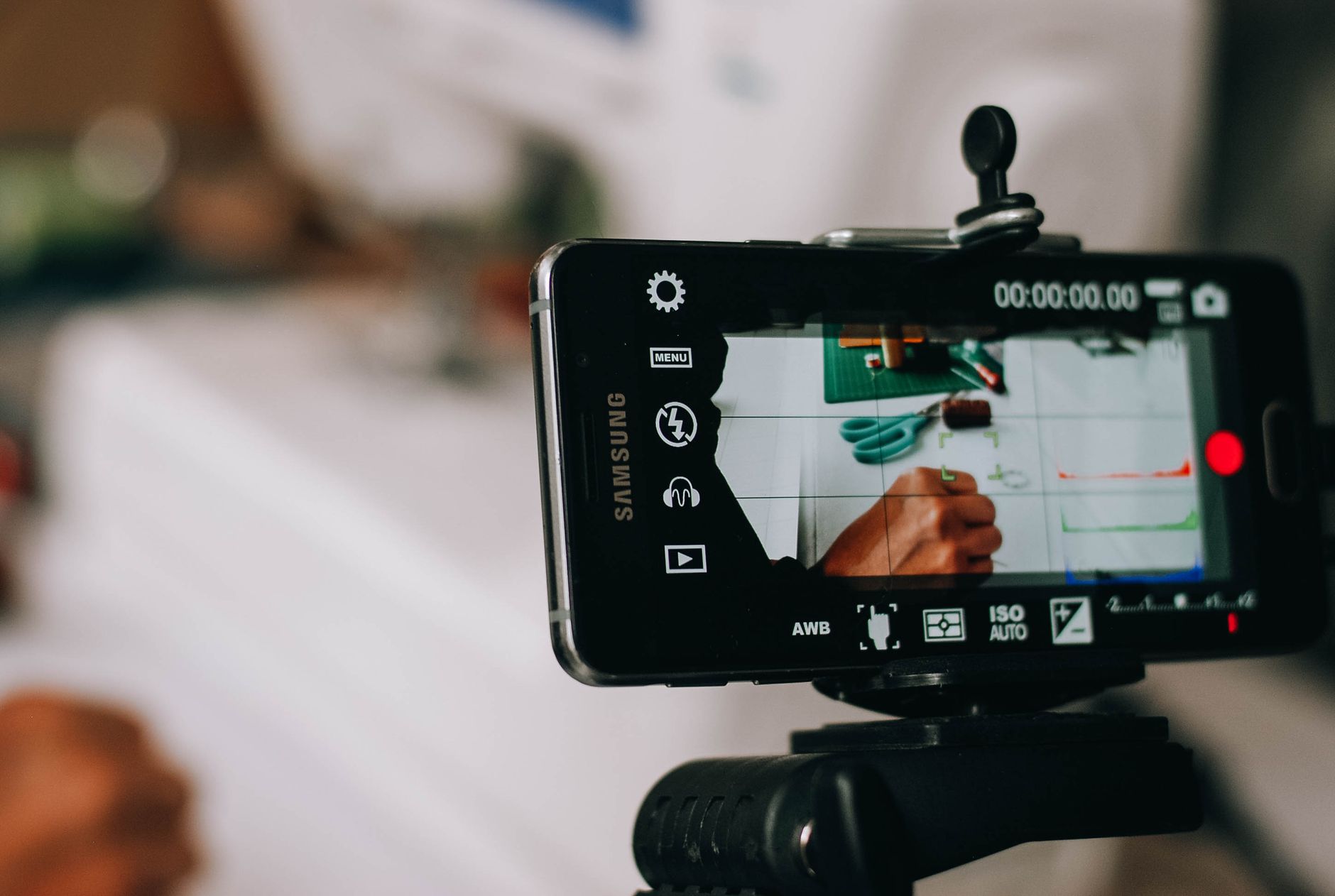 Foto: rakhmat suwandi
Yes, but they’re a patch, not a solution. Software correction for bad lighting has limits — if the light isn’t there, the camera can’t invent it cleanly.
That said, a few settings genuinely help:
In Zoom:
- Enable “Adjust for low light” under video settings — it brightens your image automatically
- Use “Touch up my appearance” sparingly; above 40% intensity it reads as airbrushed rather than natural
In Google Meet and Teams:
- Both have auto-lighting adjustments that work reasonably well in borderline conditions
- Check your video preview before every call rather than assuming it looks fine
Webcam settings:
- If you use a dedicated webcam, open its companion app and adjust exposure manually. Auto-exposure gets fooled by bright backgrounds constantly. Logitech’s Logi Tune app lets you lock exposure and white balance independently, which makes a real difference on long calls
- Turn off automatic white balance if you have a consistent lighting setup — manual white balance stays accurate instead of shifting as the light in your room changes
Your phone as webcam:
- iPhone with Continuity Camera (Mac) and Android phones via DroidCam or Camo app tend to outperform most budget webcams in low light. If your laptop camera is the weak link, this is a free upgrade worth trying before buying new hardware
The rule: fix the physical lighting first, then use software to fine-tune what remains.
What’s the Simplest Setup That Actually Works?
A practical, no-overthinking approach to how to improve lighting for video calls, at three budget levels:
Budget setup ($0–$30):
- Face a window. Move your desk if needed.
- Add sheer curtains to control direct sunlight
- Place a white foam board or use a white wall to your shadow side as a reflector
- Make sure there’s no light source behind you
Mid-range setup ($40–$100):
- 12–18" ring light with adjustable color temperature, positioned behind your monitor, slightly above eye level
- A small LED strip or lamp pointing at your background
- Sheer curtains on any windows to diffuse harsh sun
Serious setup ($150–$400):
- Elgato Key Light or equivalent LED panel with diffusion, positioned front and slightly to one side
- Second smaller light or reflector as fill
- Bias lighting behind monitor
- Dedicated webcam — the Logitech C920 covers most budgets; the Sony ZV-E10 with a wide-angle lens is the step up for recorded content or high-stakes presentations
You don’t need to jump straight to the serious setup. Most people are genuinely shocked by how much a $50 ring light and a bit of repositioning changes how they look on calls. Start there, see if it’s enough, and upgrade only if you need to.
The single biggest improvement most remote workers can make to their video presence costs under $60 and takes 20 minutes to set up. If you’re still calling from a dark room with a window behind you, that’s where to start — face toward the window, or pick up a basic ring light and position it so your face is the brightest thing in the frame. Everything else is refinement from there.
If you’re building out a more permanent home office setup and want gear recommendations tailored to your specific space and budget, check out our full remote work gear guide for detailed picks across every price point.
Frequently Asked Questions
Why does my face look so dark on video calls?
Your camera exposes for the brightest part of the frame. If a window is behind you, your face becomes a silhouette. The solution is positioning more light hitting your face from the front than from anywhere else.
What’s the best lighting position for video calls?
Your main light source should sit between you and your camera—ideally slightly above eye level and angled down at about 45 degrees. A single well-positioned key light is a massive upgrade over most home office setups.
Can I use natural light from a window for video calls?
Yes, natural light is the best light source available—free, soft, and flattering. However, you must sit facing the window directly. If the window is behind you, it creates problematic backlight that shadows your face.


