
You’ve been staring at your screen for three hours straight, and now there’s that familiar pressure building behind your eyes. You dim your monitor. You switch on Night Mode. You even bought those blue-light glasses that cost more than your lunch for a week — and your eyes still feel like sandpaper by 4pm.
Sound familiar? Most home office workers have been through this cycle. The issue isn’t just the screen itself — it’s the lighting environment around it. That’s where monitor light bars come in, and they work differently than you’d expect.
TL;DR
- Monitor light bars reduce eye fatigue primarily by eliminating screen glare and balancing ambient light, not by filtering blue light from your monitor
- They work best when positioned correctly and set to warm color temperatures (below 4000K)
- They’re more effective than desk lamps for reducing eye strain because they light your workspace without hitting your screen
Do monitor light bars actually reduce blue light?
Here’s where most people get confused: monitor light bars don’t filter the blue light coming out of your display. They don’t put a layer between your eyes and the screen.
What they do is reduce your relative exposure to blue light by changing the lighting equation around your screen. When your room is dark and your monitor is bright, your pupils dilate wider to compensate — which means more blue light per second hits your retina. A monitor light bar brings up the ambient brightness around your screen, so your pupils constrict slightly, reducing how much blue light actually lands on your eyes.
It’s the same reason optometrists tell you not to watch TV in a completely dark room. The problem isn’t just the TV — it’s the contrast between the bright screen and the dark surroundings.
Many light bars also let you adjust color temperature. Daylight sits around 6500K. A warm incandescent bulb runs closer to 2700K. Dialing your bar down to 2700K–3500K means the light illuminating your desk isn’t adding more blue-spectrum wavelengths into your visual field on top of what your monitor is already emitting. Between the two effects — reduced pupil dilation and warmer ambient light — the actual blue light load on your eyes drops by a meaningful margin through the course of an eight-hour day.
How is this different from blue light glasses?
Blue light glasses filter light at the lens level — they catch some of the blue wavelengths before they reach your eye. Monitor light bars work upstream, changing the environment before any filtering happens.
Neither approach is a silver bullet. But they address different parts of the problem: glasses work on your monitor’s output, light bars work on your room. If you’re serious about reducing blue light exposure, combining a warm-temperature light bar with your display’s built-in Night Mode is more effective than either alone — you’re closing the loop from both directions simultaneously.
Why do my eyes get fatigued from screens in the first place?
 Foto: RDNE Stock project
Eye fatigue from screen use — officially called computer vision syndrome — has a few causes, and blue light is only one of them.
Reduced blink rate. When focused on a screen, most people blink 5–7 times per minute instead of the normal 15–20. Fewer blinks mean your cornea dries out faster, which causes that gritty, stinging feeling that gets worse as the afternoon drags on.
Accommodation strain. Your eye muscles constantly adjust focus when you look at a screen. Unlike natural reading, where you shift gaze distance often, screen work keeps your eyes locked at one focal length — typically 20–28 inches — for hours at a stretch. The muscles responsible for that focus stay contracted the entire time.
Luminance contrast. If your screen is significantly brighter or dimmer than your surroundings, your eyes work harder to adapt between the two zones. This is the category monitor light bars address most directly.
Glare. Light sources reflecting on your screen force your visual system to work around the interference, which is cognitively exhausting over long sessions. Overhead fluorescents bouncing off a glossy monitor are a particularly common culprit in home offices.
A monitor light bar targets the last two points directly. It reduces the brightness gap between your screen and your desk, and a properly positioned bar eliminates glare from overhead lights hitting your display.
What’s the link between poor desk lighting and headaches?
Sustained muscle tension in your eyes and forehead can trigger tension headaches, and bad lighting accelerates that process. When your eyes are working to compensate for glare or high contrast, the ciliary muscles inside your eye and the orbicularis muscles around it stay partially contracted for hours.
Think of it like gripping a steering wheel with both hands for an eight-hour drive — not white-knuckling it, just holding on. By the end, your hands ache even though you weren’t doing anything dramatic. Your eyes operate the same way. The headache you get at 5pm after a full day of video calls isn’t always about stress — sometimes it’s literal muscle fatigue, the same way your back aches after sitting wrong all day. Fix the lighting, and you take the constant low-level strain off those muscles.
What makes a monitor light bar better than a regular desk lamp?
A standard desk lamp, even a good one, creates as many problems as it solves when placed near a monitor. Point it the wrong way and it bounces light off your screen. Point it at your face and it creates a competing light source your pupils have to handle alongside the display.
Monitor light bars solve this with a specific optical design. The light is shaped to cast downward onto your desk without projecting onto the screen surface. Most use an asymmetric diffusion lens — the light goes forward and down, not back toward the display.
This means you get:
- Illuminated keyboard and desk — you can see your notes, your coffee, your keyboard without squinting
- No screen glare — because the light physically doesn’t reach the monitor surface
- Adjustable position — the bar sits on top of your monitor, so the angle is always correct relative to the screen
A desk lamp can theoretically do the same job if positioned perfectly, but in practice, most people don’t get it right. The light bar removes the guesswork.
Does monitor placement matter?
Yes, significantly. A light bar only works as intended if your monitor is at approximately eye level and the bar sits flat on top of it. If your monitor is angled steeply backward or you’re looking up at it, the bar’s downward cast can shift in ways that create glare after all.
The ideal setup: monitor at or slightly below eye level, top edge roughly an arm’s length away, light bar centered on top. From that position, the bar lights your workspace and your eyes never see the light source directly. If you’re using an ultrawide or curved monitor, check that the bar you’re buying is long enough — most standard bars run 40–50cm, which won’t cover a 34-inch curved display evenly.
Which features actually matter when choosing a monitor light bar?
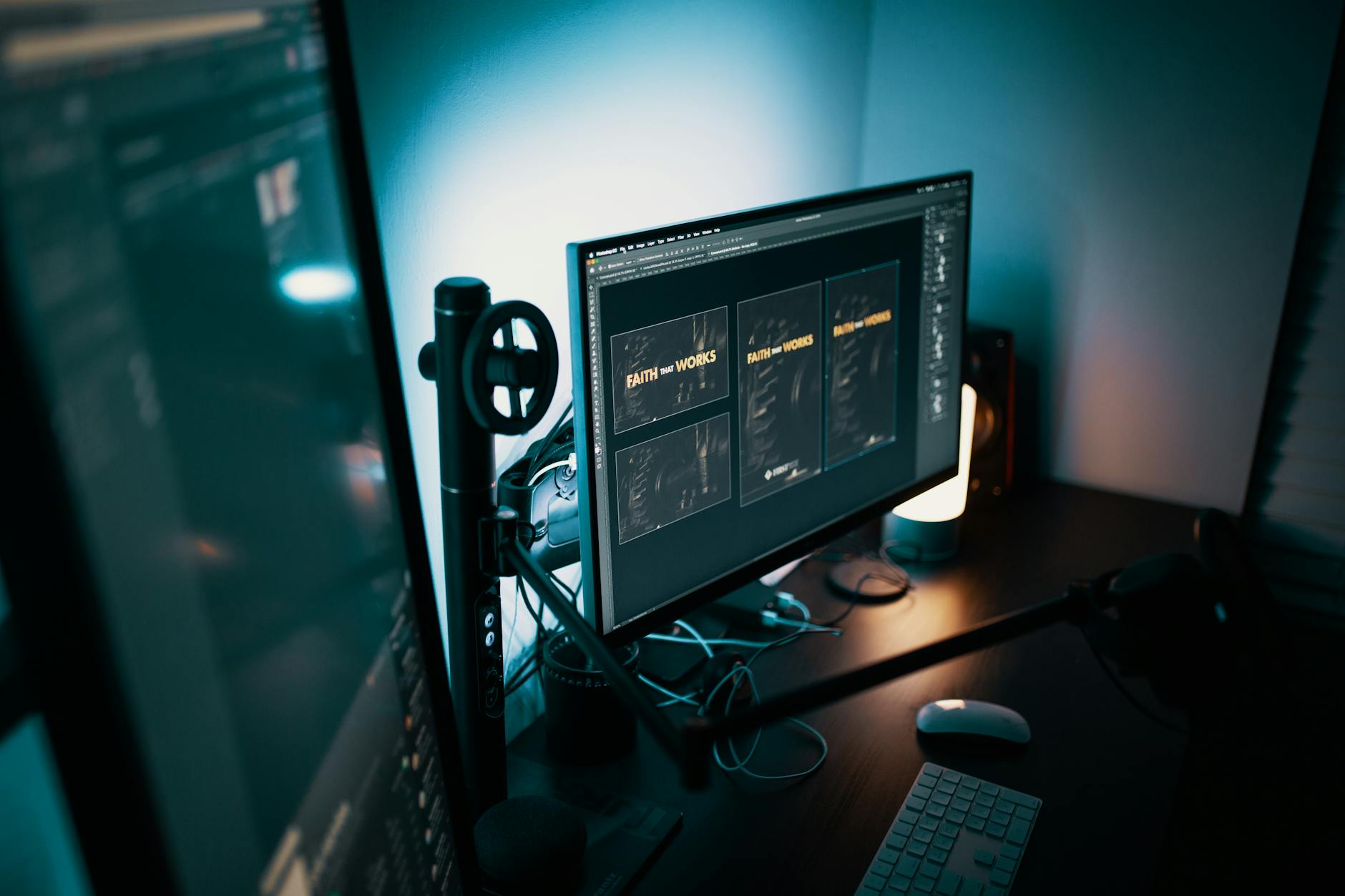 Foto: Josh Sorenson
The market runs from $20 clip-on bars to $150+ premium options. The BenQ ScreenBar essentially created the category and remains a solid benchmark, but the core optical design is now widely replicated at lower price points. Here’s what’s actually worth paying for.
Worth paying for:
- Color temperature range — you want to go as warm as 2700K for evening sessions. Bars that only go down to 4000K aren’t warm enough for late-day work and leave you with light that still reads as “office white”
- Brightness range — you need both very dim (for dark rooms at night) and bright enough to compete with a sunlit window during the day. Look for a bar that specifies at least 1000 lux at maximum
- Stepless dimming — click-step dimmers jump between fixed brightness levels; stepless lets you find the exact balance point between your screen and your desk
- Auto-dimming sensor — some bars read ambient light and adjust automatically, which is genuinely useful if your room lighting changes through the day as the sun moves
Not worth the premium:
- RGB lighting on a monitor bar is a gimmick — you’re not gaming, you’re trying to reduce eye strain, and colored light adds visual noise rather than reducing it
- App control is convenient but not necessary; a physical dial or touch strip does the same job with less friction and no software dependency
- Extended warranties on simple LED products rarely pay off — the bulbs in quality LED bars are rated for 30,000+ hours, which is longer than most people keep a monitor
How do I set up a monitor light bar to actually reduce eye strain?
Getting the setup right takes five minutes but makes a real difference.
Step 1: Set your monitor brightness first. Your light bar should match your monitor, not the other way around. A common target is 120 cd/m² for a typical office environment — most monitors display this as roughly 40–60% brightness. If your monitor has an auto-brightness sensor, disable it first so your reference point stays stable while you calibrate the bar.
Step 2: Set the light bar to warm. Start at 3000K and adjust from there. If the light looks orange-ish and makes your desk look like a restaurant at dinner time, go up slightly toward 3500K. If it looks stark and white, drop back toward 2700K.
Step 3: Match brightness to your surroundings. The goal is that your desk, keyboard, and monitor all feel like they’re in the same lighting zone. If your desk is dim and your screen is blazing, increase the bar. If the bar feels harsh, lower it until the contrast disappears.
Step 4: Eliminate competing light sources. A light bar does its best work when it’s the primary light source hitting your screen area. Overhead lights that cast directly onto your monitor undermine the bar’s asymmetric design — the bar pushes light forward, but the overhead pushes it back.
Step 5: Apply the 20-20-20 rule regardless. Every 20 minutes, look at something 20 feet away for 20 seconds. No light bar substitutes for this — it’s the only way to actually rest the accommodation muscles. Set a timer if you have to.
Is a monitor light bar worth it if I already use Night Mode?
 Foto: geralt
Night Mode and monitor light bars solve different things, and they work well together.
Night Mode — or f.lux, or your OS’s equivalent — shifts the colors your display emits toward warmer tones. It reduces blue light coming from the screen itself. The downside: it changes how your entire screen looks, which affects color accuracy for design work and can make images look muddy.
The light bar addresses what’s happening in the space around your screen — the ambient lighting environment your eyes are operating in. It doesn’t touch what your display outputs at all.
Using both together is more effective than either alone. Your screen emits warmer light, your desk is properly lit without glare, and your pupils aren’t working overtime to handle a dark-room-bright-screen situation. For evening sessions specifically, running Night Mode at 3200K or below combined with a bar set to 2700K is about as close as you can get to a screen-friendly environment without switching to paper.
If you’re already using Night Mode and still getting eye fatigue, a light bar is the logical next step. If you’re not using Night Mode, starting there costs nothing and takes 30 seconds — then add a light bar if the fatigue persists.
If we could only pick one upgrade for someone dealing with daily eye fatigue from screen work, it would be a monitor light bar paired with Night Mode at 3500K or lower. It’s the combination that addresses both the ambient light problem and the screen color problem simultaneously, and it costs less than a single visit to an optometrist.
Start with the light bar, dial in the color temperature until your desk and screen feel like they’re in the same room, and give it a week. Most people notice a difference within the first few days — not just less eye fatigue by evening, but less of that drained feeling that makes you want to shut the laptop at 3pm.
Your eyes are doing real physical work every day. The least you can do is give them a decent working environment.
Frequently Asked Questions
Do monitor light bars actually reduce blue light?
No. Monitor light bars don’t filter blue light from your display. Instead, they reduce your relative exposure by increasing ambient brightness, which makes your pupils constrict and limits how much blue light reaches your eyes.
How do monitor light bars reduce eye fatigue?
They eliminate the contrast between your bright screen and dark surroundings by balancing ambient light. This prevents pupil dilation, which reduces blue light exposure and strain on your eyes.
What color temperature should a monitor light bar be set to?
Warm color temperatures between 2700K–3500K work best. This matches warm incandescent bulbs and avoids additional blue light exposure that comes from cooler daylight settings around 6500K.


